
01
LINE Chatbot Input
Staff photograph a paper invoice and send it to a LINE chatbot. The image enters the extraction pipeline immediately and a confirmation is returned once processing is complete.

Back-office teams manually keyed invoice data into accounting systems. AMCOLAB built an AI extraction pipeline supporting two input paths: LINE chatbot photo upload or Google Drive file drop.





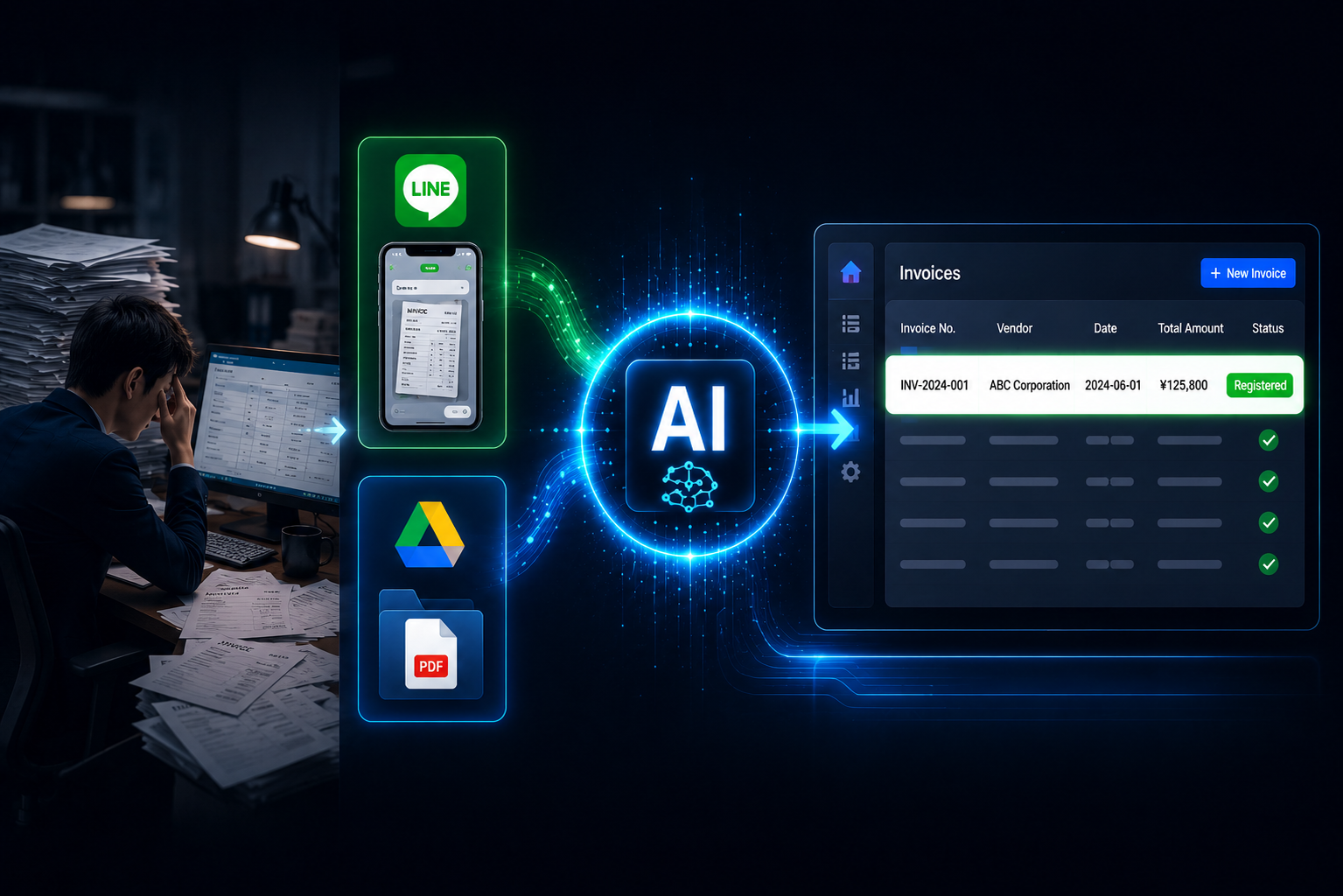
Accounting teams are not paid to type. But that is what this one spent a significant portion of its time doing — reading paper invoices and re-keying every field into the accounting system. The volume was high enough that the task consumed meaningful hours each week, and errors introduced during manual entry went undetected until month-end reconciliation.
The added complication was input fragmentation. Invoices arrived through two entirely separate channels — LINE photos from field staff, and PDF files uploaded to Google Drive — with no unified process to handle both. Any automation solution had to work across both input paths without adding complexity for the team.
AMCOLAB built a two-channel AI extraction pipeline that processes invoices automatically from the moment they arrive — regardless of how they were submitted. The accounting team receives structured, ready-to-import data. They review exceptions, not every document.
Staff photograph a paper invoice and send it to a LINE chatbot. The image enters the extraction pipeline immediately and a confirmation is returned once processing is complete.
Files dropped into a designated Drive folder trigger the pipeline automatically. The folder acts as a live inbox — no additional action needed from staff.

PaddleOCR processes standard printed invoices. OpenAI Vision handles complex layouts and handwritten content. Extracted fields include vendor name, dates, line items, tax amounts, and totals.
Extracted data is written to a structured Google Sheet — one row per invoice, fields separated and labelled — ready to import into the accounting system.

Documents below a confidence threshold are held for manual review. The team sees only the cases the system flagged as uncertain, not the full volume.
Invoice processing time cut substantially for standard documents
Accounting team effort concentrated on exceptions rather than routine data entry
Two separate input channels handled through one consistent process
Pipeline runs continuously — invoices processed overnight are ready when staff arrive in the morning - Error rate in structured output reduced compared to manual keying
Error rate in structured output reduced compared to manual keying
OCR and document extraction built across multiple production deployments
familiar with LINE as the primary business communication channel in Japan
we built confidence flagging so the system flags its own uncertainty, rather than producing silent errors
from requirements through live deployment and ongoing support
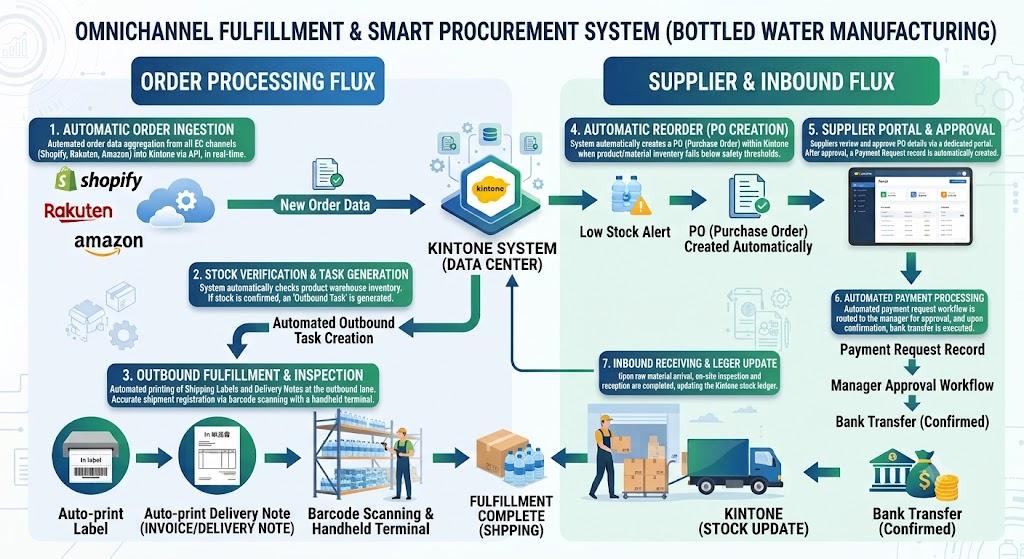
back-office workflow automation across multiple connected systems






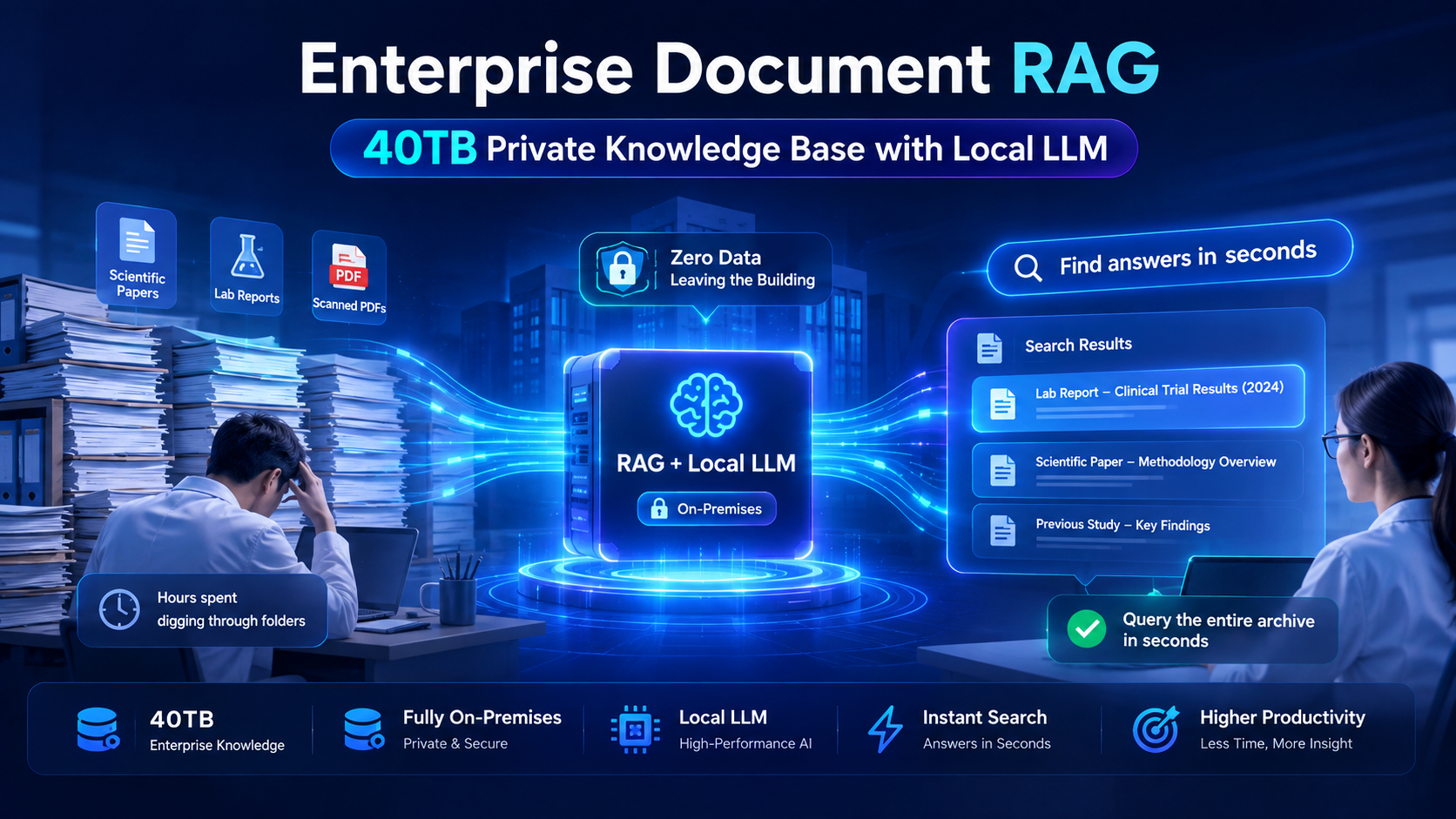
AI-powered search across a large internal document archive








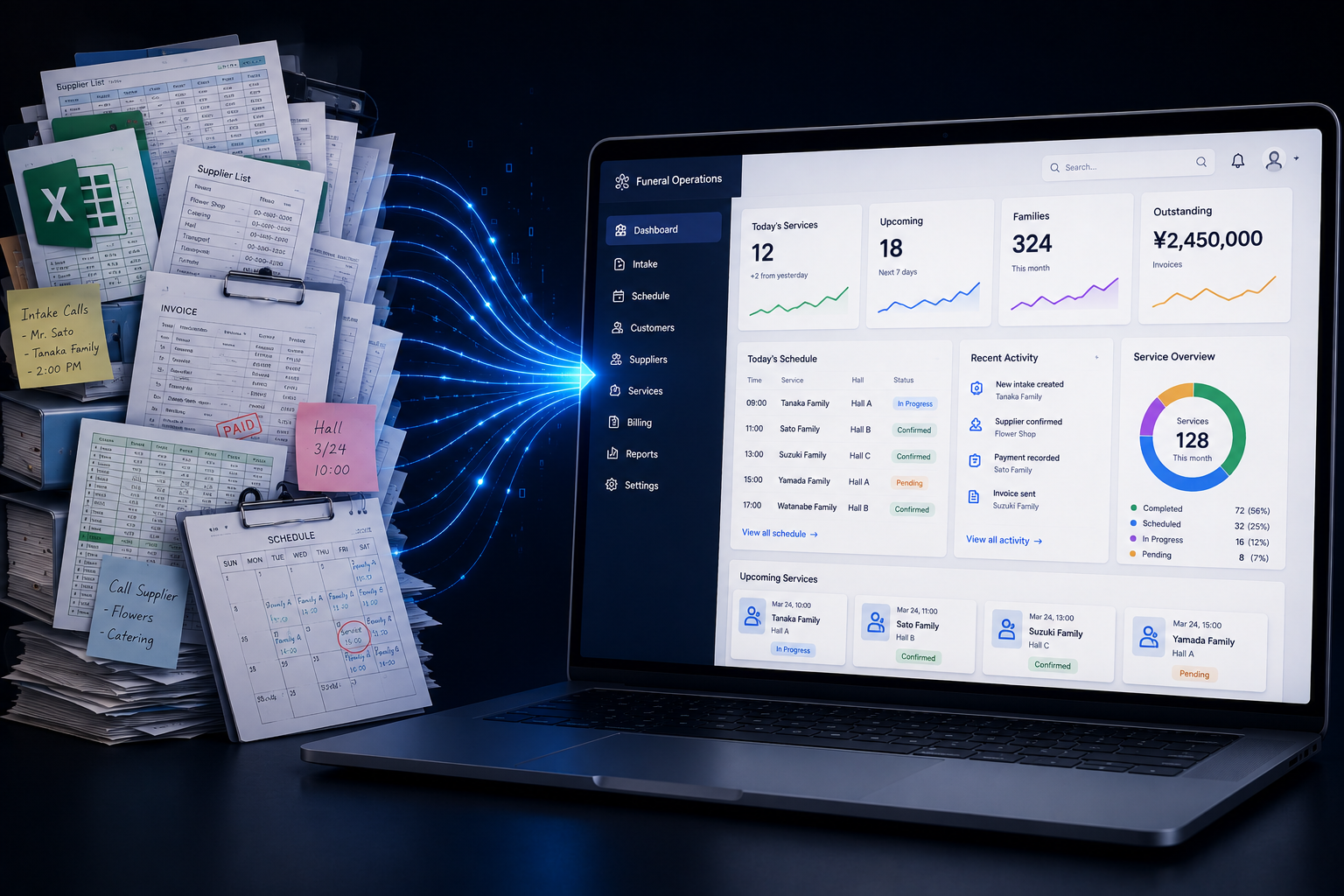
replacing paper-based operations with a centralized digital system


Let's build your extraction pipeline — LINE, email, Drive, or all three.
Schedule a Meeting Now


